Big ideas.
Meet your creative playground.
Create standout AI photos and videos, bring your characters to life, and build stories scene by scene — all in one creative workspace.
Photos. Videos. Characters. Stories.
Platform plans and AI provider usage are billed separately.
Your next creation could look like this.
A curated look at what creators are making with FramePop AI.
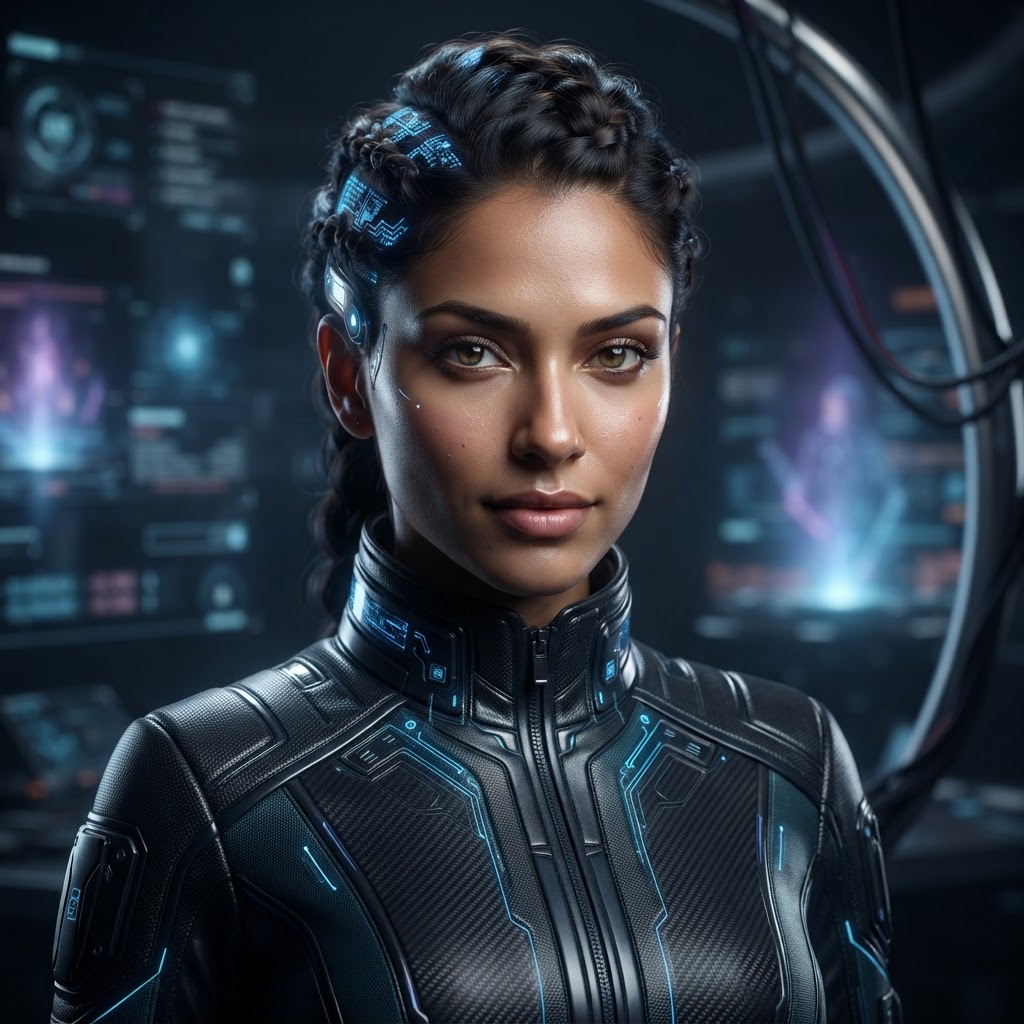
Viral TikTok AI Portrait
“Hyperrealistic futuristic cyberpunk model portrait with cyan rim lighting”

Luxury Perfume Commercial
“Commercial luxury gold bottle render with liquid splashes and warm amber studio light”
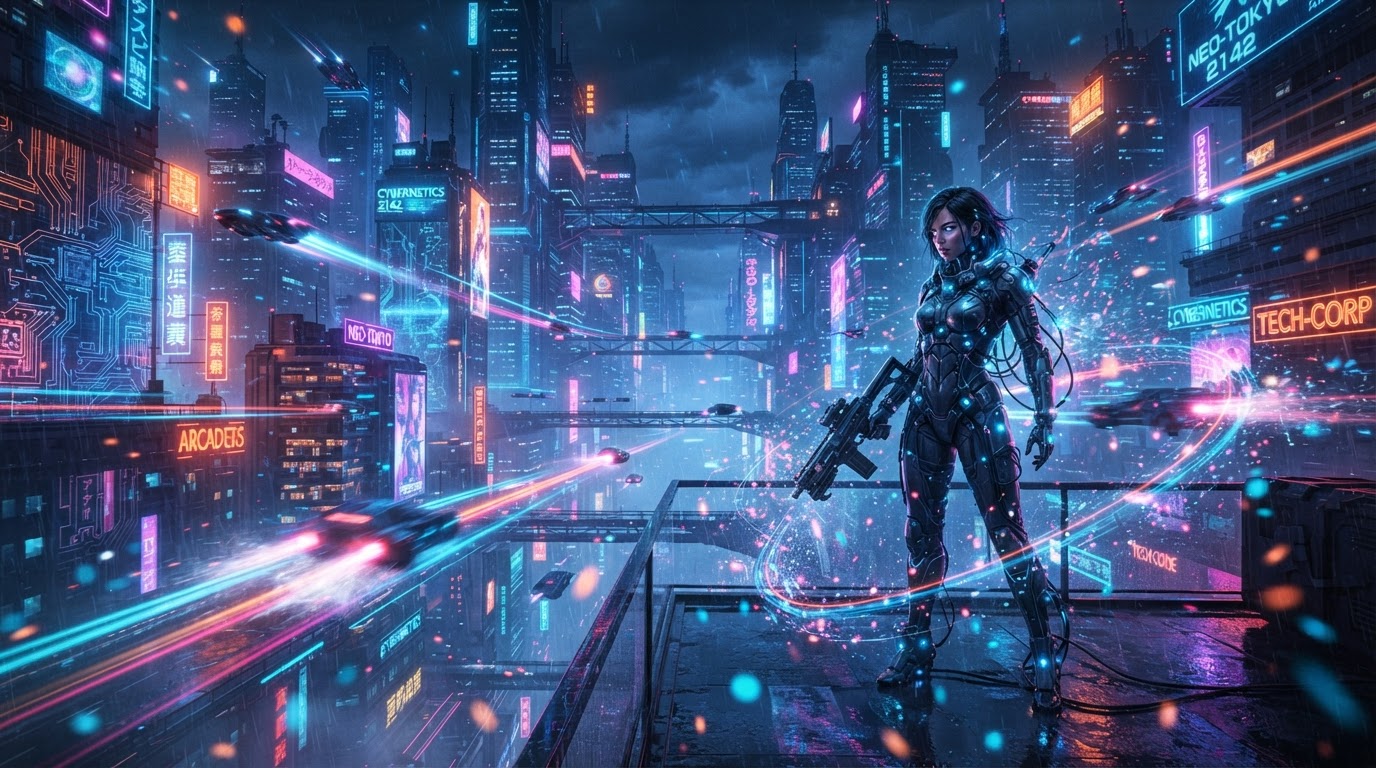
4K Video Motion Background
“Volumetric cinematic sci-fi corridor frame with atmospheric blue fog”
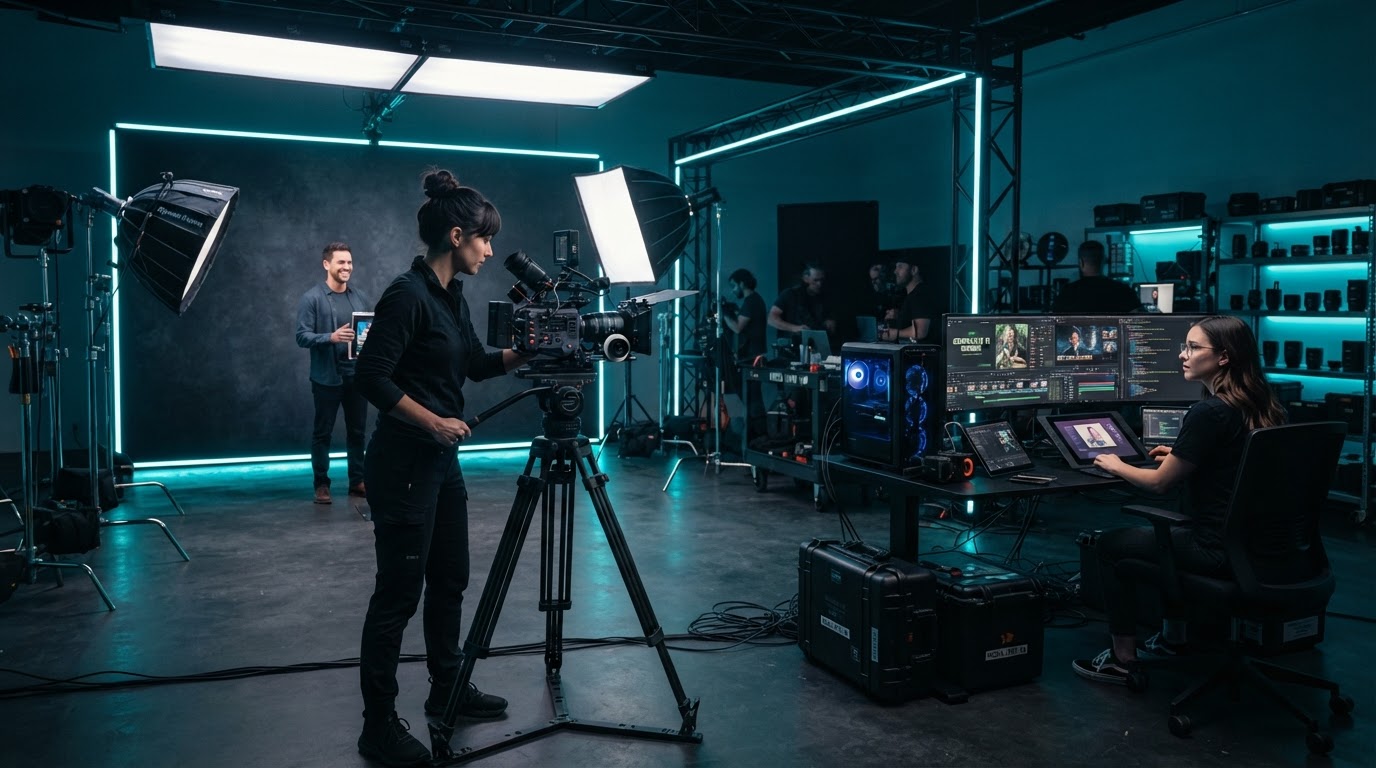
High-End Creator Workstation
“Ultra realistic studio lighting camera gear photoshoot setup”
Made with FramePop AI
See what our community is creating.
Community creations shown for inspiration. Playback controls discourage downloads but cannot prevent screen capture.
One place to turn “what if” into “look at this.”
AI Video
Make the scene you’re imagining.
Turn your ideas and references into cinematic clips, character moments, and social content. Choose your format and direct the action.
- Text and reference-based creation where supported
- Landscape and vertical formats
- Dialogue and sound on supported models
AI Photo
Give your ideas a new look.
Create portraits, product visuals, and campaign images from your ideas and supported references.
- Portraits, products & campaign images
- Reference-guided generation where supported
- Background removal as a separate edit tool
AI Assistant
Have the idea. We’ll help with the words.
Talk through your concept, refine the scene, and shape a prompt you can take straight into creation.
You: “Put my character in a rainy city at night.”
Assistant: A concise scene draft with camera and lighting guidance.
Follow-up: “Make it more cinematic.”
Your characters. Your world. Your signature.
Save the references you want to use again, then bring them into your next creation.
Characters & Voices
- Save character reference images and notes
- Attach a saved voice
- Reuse characters through supported tools
- Voice reference support depends on the model
Environments
- Save locations, rooms, streets & scene refs
- Reuse them to guide the setting
- Reference guides — not a guarantee of identical output
Products
- Save product references and variations
- Bring them into supported image & video workflows
- Preserve shape, colors & branding as closely as possible
References are creative guidance that helps maintain consistency — not perfect identity, voice cloning, or identical output.
Think bigger than a single clip.
Plan a story, break it into scenes, and generate clips in sequence — with your characters, references, and story notes carried through the workflow.
- Plan multiple scenes
- Review clips as you go or use the queue
- Reuse characters and supported voices
- Play completed clips in sequence
- Download completed clips as a ZIP
01
The opening
02
The turning point
03
The next chapter
From first thought to first creation.
Set up your studio
Choose your platform plan as required and connect the AI provider you want to use.
Shape your idea
Write a prompt or ask the AI Assistant for help. Add characters, environments, or products when needed.
Create and keep going
Generate, review, download, and organize your results — or build your next scene in Story Mode.
Connect only the providers you need. A provider connection links your own account to FramePop AI.
Keep creating. Keep your best ideas close.
Community
Discover shared creations and prompts
Collaboration
Share characters with approved collaborators
Saved Prompts
Keep reusable prompt templates
Library & Projects
Organize references and media
Training
Access available lessons
Your favorite AI tools. One creative workspace.
Connect your own provider accounts. FramePop AI helps you organize your creative workflow; generation usage is billed by the connected provider.
Plans for every kind of creator.
Platform subscription and AI provider usage are billed separately.
Standard Creator
Everything you need to start generating 4K content with one saved Soul Character.
- 1 Soul Saved Character
- 3 Soul Products
- 3 Soul Environments
- 20+ AI Models
- Up to 1080p Video exports
- Secure, hosted checkout
Premium Creator
More Soul Characters plus Story Mode and Soul Collabs for serious creators.
- 5 Soul Saved Characters
- 10 Soul Products
- 10 Soul Environments
- 20+ AI Models
- Up to 1080p Video exports
- AI Character Studio
Deluxe Creator
Everything in Premium plus the AI Creative Assistant, 25 Products, and 10 Soul Characters.
- 10 Soul Saved Characters
- 25 Soul Products
- 10 Soul Environments
- 20+ AI Models
- Up to 1080p Video exports
- AI Character Studio
Questions, answered.
What can I create with FramePop AI?
AI photos, cinematic videos, character moments with dialogue, product visuals, and multi-clip stories. Save the references you reuse, then bring them into your next creation.
Do I need prompting experience?
No. Write a plain idea, or use the AI Assistant to talk through your concept and shape a ready-to-use prompt. You stay in control the whole way.
Can I use my own character and voice?
Yes. Save character reference images and attach a saved voice. When a model supports voice references, FramePop AI passes them through automatically. Support depends on the selected model.
How does Story Mode work?
Plan a story, break it into scenes, and generate clips in sequence. Your characters, references, and story notes carry through. Review each clip as you go or use the queue.
Do I need a separate AI provider account?
You connect your own provider accounts (Higgsfield, fal, Runway, Google Gemini, ElevenLabs). FramePop AI organizes your workflow — generation usage is billed by each provider.
Are generation costs included in my subscription?
Your plan covers the platform features, saved assets, and workspace. AI provider usage (image, video, voice generation) is billed separately by each connected provider.
Can I download my creations?
Yes. Download individual clips and images. In Story Mode you can download completed clips as a ZIP.
Can I share characters with someone else?
Soul Collabs lets you share saved characters with approved collaborators using existing permissions.
How do I manage my subscription?
Manage your plan from the dashboard. Upgrade, change, or cancel at any time through your billing settings.
Your next idea deserves a frame.
Start with a thought. Turn it into a photo, a scene, or a story with FramePop AI.